Adobe Firefly Yapay Zekâ Video Oluşturucu
Ürün görselleri ve video klipleri oluşturmak için Adobe Firefly'ı doğrudan VideoGen'de kullanın. Düzenleme, dış ses, müzik ve altyazılarla sahnelerinizi bir araya getirin.
Explore product image ideas
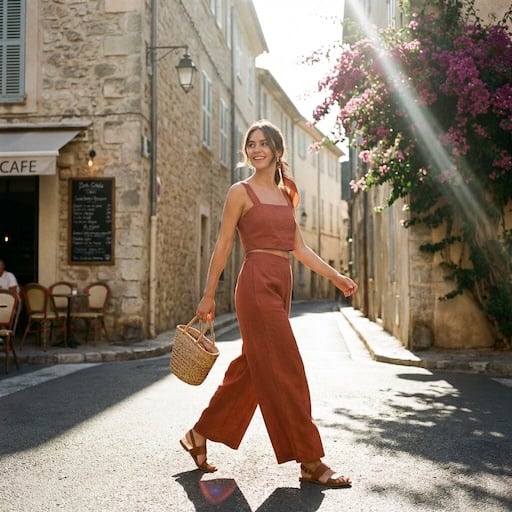
VideoGen reference images for product scenes, backgrounds, and campaign ideas.


What can Adobe Firefly create?
Use Adobe Firefly in VideoGen for image generation, image editing, and video generation. Build the visuals you need for your product storyboard.
Product images and settings
Generate a scene from a prompt or composite a product photo into a new setting. Explore backgrounds and lighting for a campaign.
Text-to-video and image-to-video
Create a short clip from a description or bring a still image into motion. Use a product reveal or a lifestyle scene as one part of your video.
Image edits and variations
Refine a visual with instructions and compare different directions before choosing the assets for your storyboard.
From Firefly assets to a finished video
Generate with Adobe Firefly and build your finished video in the same VideoGen project.
Build the story around your product
Arrange your generated images and clips alongside other scenes. Adjust the sequence and timing to explain the product and show it in context.
Add voiceover, music, and captions
Turn individual visuals into a complete marketing video with narration, background music, and captions.
Prepare videos for your channels
Edit and export your project for social campaigns, product launches, and ecommerce marketing.
How to use Adobe Firefly in VideoGen
1.Start a VideoGen project
Begin with a video idea, script, or storyboard. Describe the product and the scenes you want to create.
2.Generate your visuals with Firefly
Create images or video clips with Adobe Firefly in VideoGen, then add the results to your storyboard.
3.Edit and export your video
Arrange your scenes, add narration, music, and captions, then review and export the finished video.
Sıkça sorulan sorular
Video oluşturunVideoGen'de Adobe Firefly ile oluşturun
Görsellerinizi Firefly ile oluşturun; videonuzu düzenleme, seslendirme, müzik ve altyazılarla tamamlayın.
İlgili Yapay zeka video modelleri.
- En İyi Yapay Zeka Video Modelleri2026'nın en iyi yapay zeka video modelleri, sıralanmış ve kıyaslanmış
- Seedance 2.0Referans medya ile yüksek kaliteli AI video üretimi
- Seedance 2.5Yerel ses ve 50'ye kadar referans girişi içeren 30 saniyelik tek geçişli video
- Hailuo 3.0Yerleşik stereo ses ve 15 saniyelik kliplerle 2K AI video
- Gemini Omni FlashSohbet tabanlı düzenleme ile arena lideri yapay zeka video üretimi
- FLUX 3Yerel ses, ana kareler ve dudak senkronizasyonlu diyalog içeren çok modlu sınır video modeli
- Veo 3.1Geliştirilmiş gerçekçilik ve ses ile yeni nesil AI video
- Happy Horse 1.1Yerel ses ve dudak senkronizasyonu ile görüntüden videoya
- MinimaxGerçekçi hareket ve sinematik görseller ile yapay zeka video üretimi