Adobe Firefly MI-videógenerátor
Használd az Adobe Fireflyt közvetlenül a VideoGenben termékképek és videóklipek létrehozásához. Szerkesztéssel, narrációval, zenével és feliratokkal fűzd össze a jeleneteidet.
Explore product image ideas
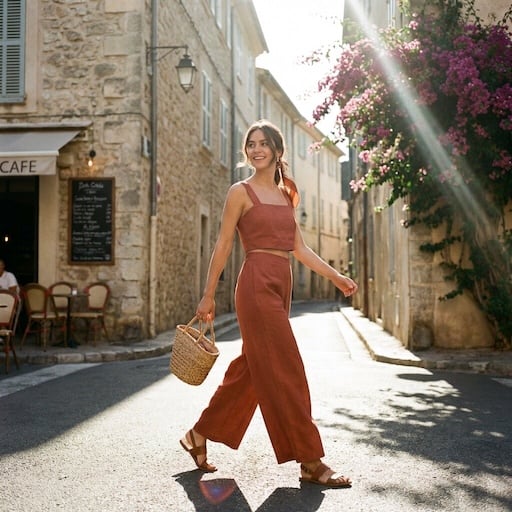
VideoGen reference images for product scenes, backgrounds, and campaign ideas.


What can Adobe Firefly create?
Use Adobe Firefly in VideoGen for image generation, image editing, and video generation. Build the visuals you need for your product storyboard.
Product images and settings
Generate a scene from a prompt or composite a product photo into a new setting. Explore backgrounds and lighting for a campaign.
Text-to-video and image-to-video
Create a short clip from a description or bring a still image into motion. Use a product reveal or a lifestyle scene as one part of your video.
Image edits and variations
Refine a visual with instructions and compare different directions before choosing the assets for your storyboard.
From Firefly assets to a finished video
Generate with Adobe Firefly and build your finished video in the same VideoGen project.
Build the story around your product
Arrange your generated images and clips alongside other scenes. Adjust the sequence and timing to explain the product and show it in context.
Add voiceover, music, and captions
Turn individual visuals into a complete marketing video with narration, background music, and captions.
Prepare videos for your channels
Edit and export your project for social campaigns, product launches, and ecommerce marketing.
How to use Adobe Firefly in VideoGen
1.Start a VideoGen project
Begin with a video idea, script, or storyboard. Describe the product and the scenes you want to create.
2.Generate your visuals with Firefly
Create images or video clips with Adobe Firefly in VideoGen, then add the results to your storyboard.
3.Edit and export your video
Arrange your scenes, add narration, music, and captions, then review and export the finished video.
Gyakran ismételt kérdések
Videó készítéseAlkoss az Adobe Firefly segítségével a VideoGenben
Készítsd el a látványelemeket a Firefly segítségével, majd fejezd be a videót vágással, narrációval, zenével és feliratokkal.
Kapcsolódó AI videómodellek
- A legjobb AI videómodellekA legjobb AI videómodellek 2026-ban, rangsorolva és összehasonlítva
- Seedance 2.0Kiváló minőségű AI videó generálás referencia médiával
- Seedance 2.530 másodperces, egyszeri átmenetű videó natív hanggal és akár 50 referencia-bevitellel
- Hailuo 3.02K AI-videó natív sztereó hanggal és 15 másodperces klipekkel
- Gemini Omni FlashAréna-szintű AI videógenerálás párbeszédalapú szerkesztéssel
- FLUX 3Multimodális élvonalbeli videó natív hanggal, kulcskockákkal és szájmozgáshoz szinkronizált párbeszéddel
- Veo 3.1Következő generációs AI videó, javított realizmussal és audióval
- Happy Horse 1.1Kép-videó natív hanggal és szájmozgással
- MinimaxAI videógenerálás valósághű mozgással és mozifilm szerű vizuális elemekkel