Best AI Video Generators for Marketing Teams in 2026
Compare the best AI video generators for marketing teams, including prompt-to-video, storyboard workflows, product visuals, native audio, and editing.

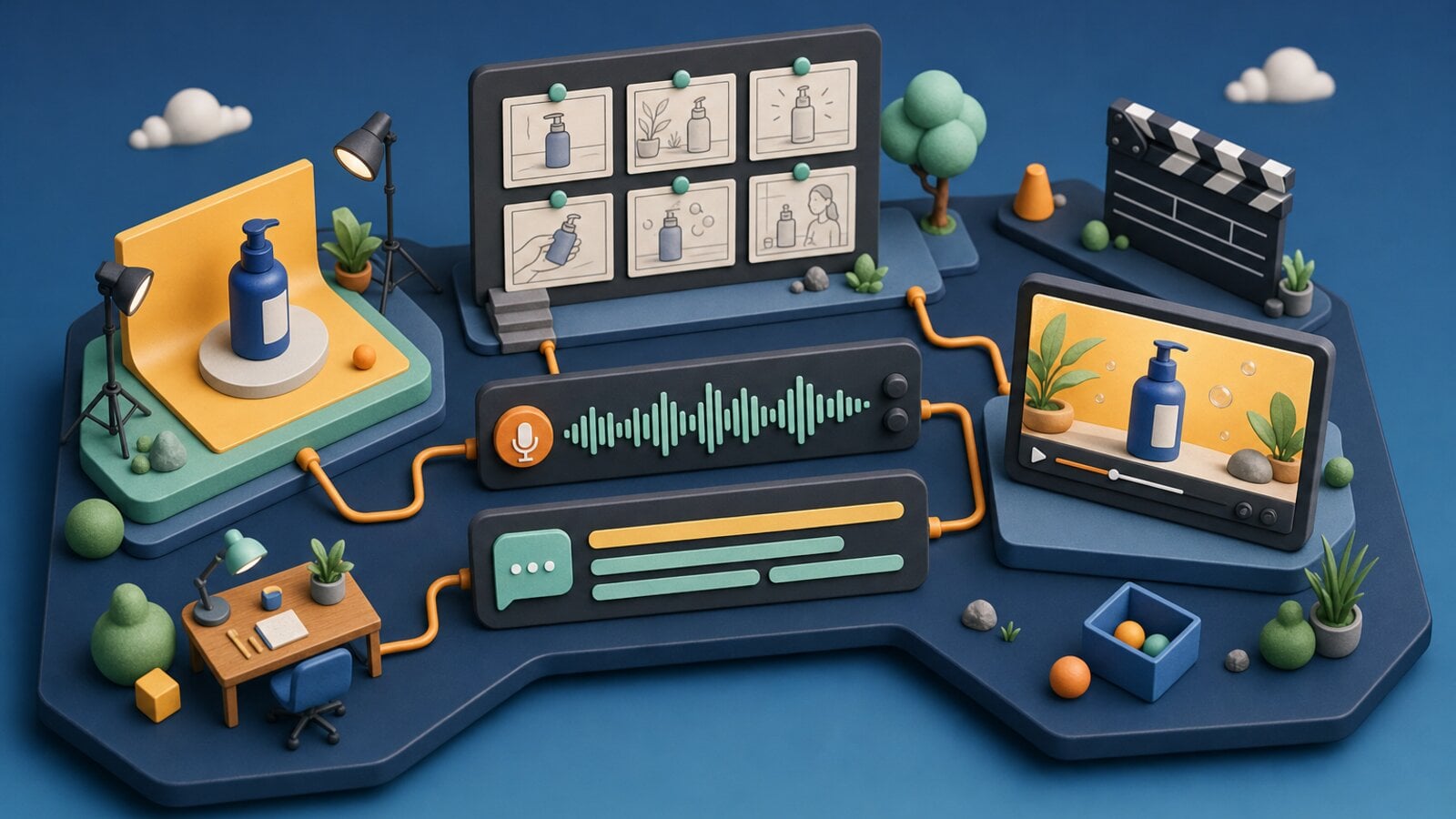
The best AI video generator for a marketing team is not simply the model with the most impressive demo. It is the system that can turn a brief into usable footage, preserve a product or character, support revisions, and move from a generated clip to a finished campaign.
VideoGen brings multiple models into one workflow so teams can choose per scene instead of rebuilding their process around one provider.
The existing GPT Image 2 examples and Seedance Prompts show two sides of this workflow: create a strong still, then turn a product or story beat into motion.
Fal's AI video generator roundup and text-to-video API roundup use a similar model-by-model structure. This guide narrows the comparison to marketing production, where finishing the asset matters as much as the initial generation.
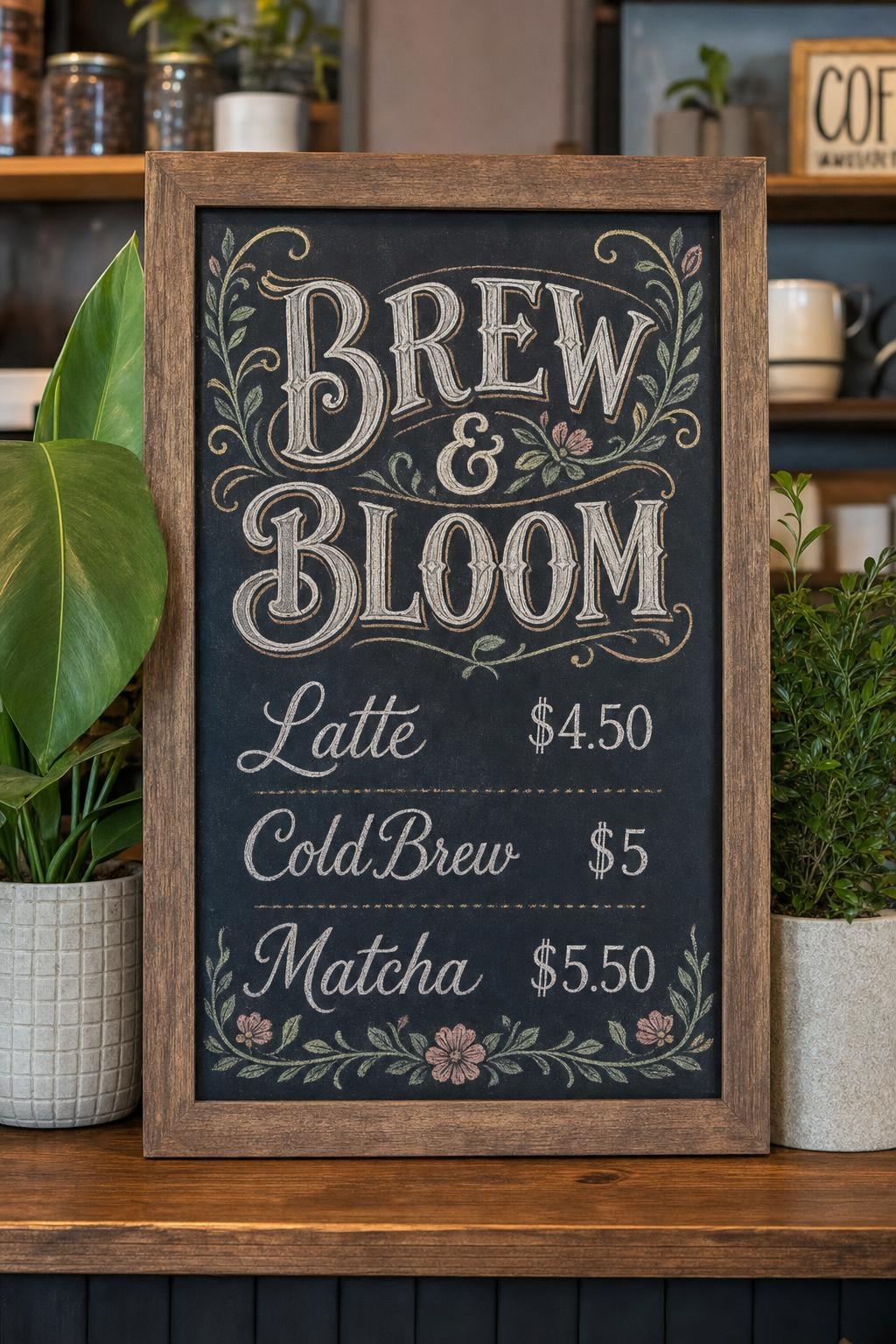
A structured still can become a thumbnail, storyboard frame, or first frame for animation.

A product visual becomes a moving clip with sound and a defined hero action.
What marketing teams should evaluate
Before comparing models, define the production requirement:
- Prompt-to-video: turn a written idea into a first visual.
- Image-to-video: animate a product or storyboard frame.
- Storyboard-to-video: keep a character, product, or style consistent across scenes.
- Script-to-video: build visual footage around narration.
- Native audio: generate dialogue, effects, and ambience with the frames.
- Reference support: keep products, people, and visual directions recognizable.
- Duration: create one short clip or a complete story beat.
The best model for one use case may be the wrong model for another.
Seedance 2.0
Seedance 2.0 is a strong choice for expressive motion, dialogue, native audio, and multimodal references. It can take text, images, video, and audio into a single generation, which is useful when a product or character must remain recognizable.
Best for:
- Short product and social clips.
- Dialogue with synced audio.
- Multi-shot prompts.
- Reference-led scenes.
Read the Seedance 2.0 model page and Seedance Prompts.
Seedance 2.5
Seedance 2.5 is designed for longer story beats, larger reference sets, and one-pass audio-video generation. It becomes attractive when a scene is too complex for a short isolated clip.
Best for:
- Longer product narratives.
- Storyboard continuity.
- Scenes with many references.
- One-take creative concepts.
See Seedance 2.5 in VideoGen for current availability.
Veo 3.1
Veo 3.1 is a strong choice for cinematic output, native audio, and high-resolution delivery. It works well when the final shot needs polished motion, dialogue, ambience, or a more cinematic camera treatment.
Best for:
- Hero campaign scenes.
- Cinematic product films.
- Dialogue and sound design.
- High-resolution output.
Explore the Veo 3.1 model page.
Kling v3
Kling is useful when a team needs strong cinematic movement, reference control, or a defined first and last frame. It can be a good fit for storyboard previsualization and shots where the camera path matters.
Best for:
- Controlled image-to-video.
- Multi-shot sequences.
- Material and product transformations.
- Character and object continuity.
See Kling v3 in VideoGen.
Other models in the comparison set
Depending on the job, VideoGen also includes models such as:
- Grok Imagine: fast image-to-video exploration.
- Wan: open-model flexibility and reference-led generation.
- Hailuo: cost-effective motion for high-volume testing.
- FLUX 3: multimodal video with native audio and longer clips.
- Sora-style workflows: prompts and scene structures that transfer to current models.
The Best AI Video Models page is the place to compare the current model set, specs, strengths, and recommended use cases.
A simple marketing evaluation
Use the same five briefs across the models:
- A product reveal with a camera move.
- A person demonstrating the product.
- A storyboard scene with a reference character.
- A short dialogue scene with sound effects.
- A social clip built from a single image.
Evaluate:
- Subject fidelity.
- Motion quality.
- Prompt adherence.
- Audio synchronization.
- Duration and continuity.
- Cost and generation time.
- Amount of manual cleanup.
Keep the winner per use case. A team does not need one model for every scene.
Why use VideoGen instead of a single model provider?
Model quality changes quickly. A workflow that locks every scene to one provider becomes harder to improve when a better model appears or an existing API changes.
VideoGen lets a marketing team compare models inside the same project, then use the strongest output with narration, captions, music, and editing. The model choice becomes a creative decision rather than an infrastructure migration.
For the provider-style comparison reference, see Fal's 10 Best AI Video Generators and 10 Best Text-to-Video APIs.

 David Grossman

 Richard D.