GPT Image 2 AI Image Generator
GPT Image 2 generates and edits images with sharp multilingual text rendering. Turn single images into finished videos with VideoGen workflows.
By OpenAI · Released April 2026 · OpenAI's most capable image model, with improved multilingual text rendering
Example outputs from GPT Image 2
Real prompts, real outputs, generated with GPT Image 2 in VideoGen.

“Photorealistic vertical cafe chalkboard menu that reads 'BREW & BLOOM — Latte $4.50, Cold Brew $5, Matcha $5.50' in ornate hand lettering, potted plants on either side, tall story-format composition”
Generated with GPT Image 2 in VideoGen
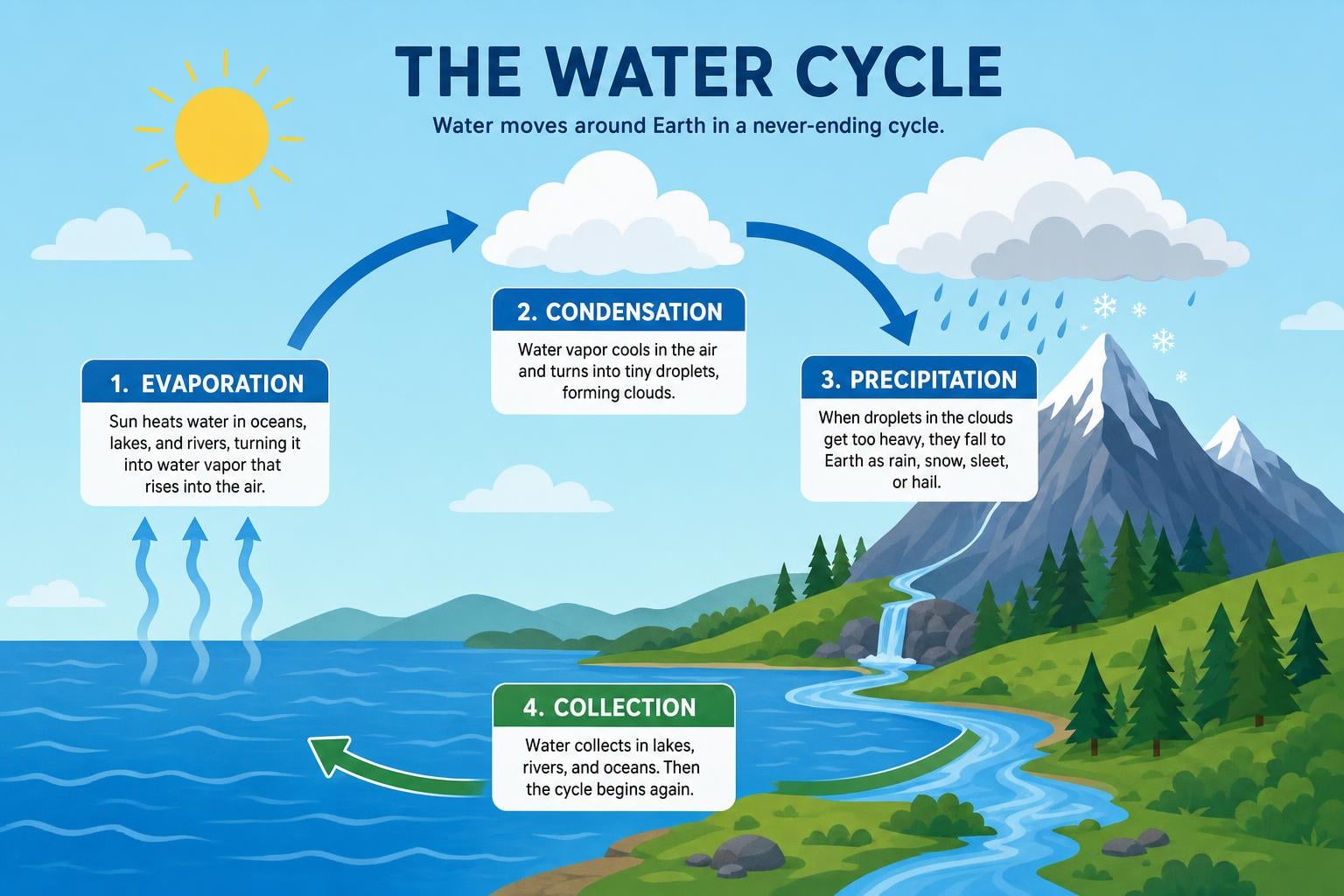
“Clean flat-design infographic explaining the water cycle with labeled arrows for evaporation, condensation, precipitation, and collection”
Generated with GPT Image 2 in VideoGen
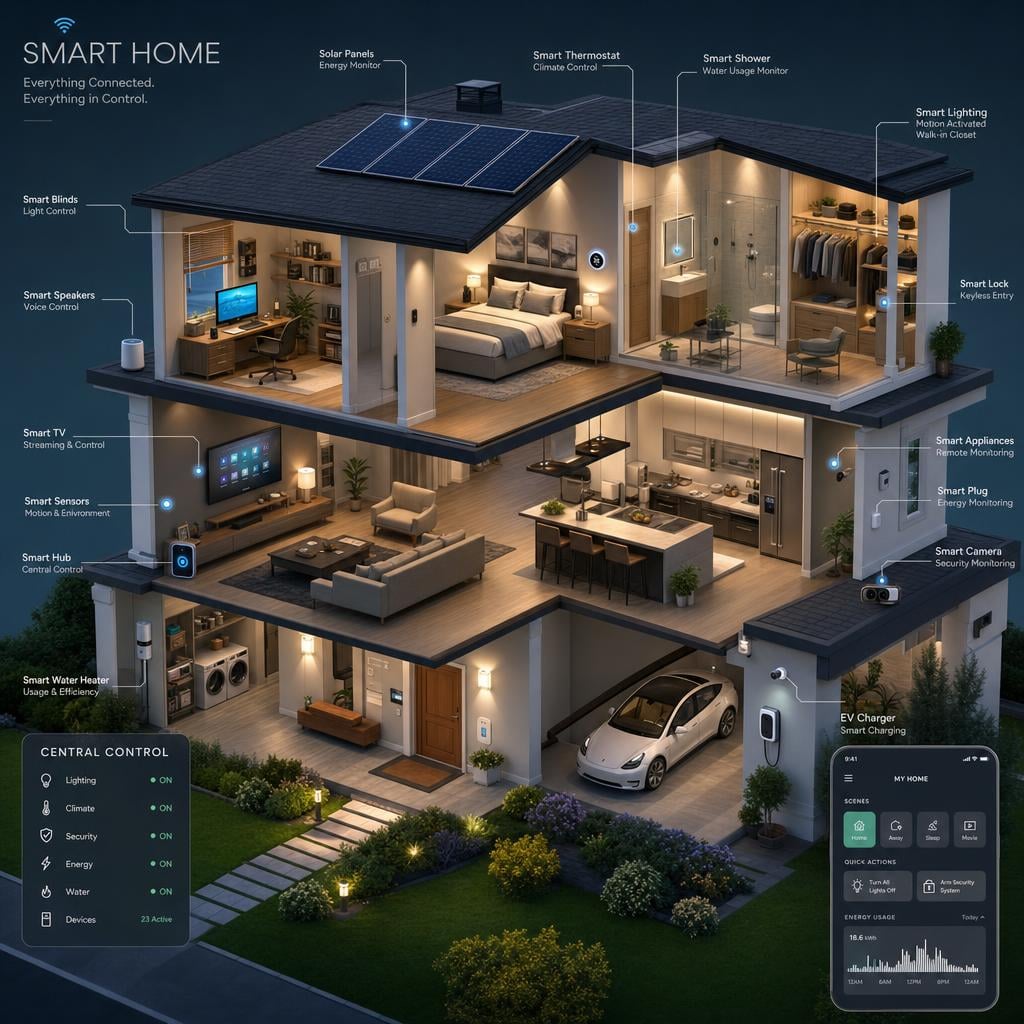
“Detailed isometric cutaway illustration of a two-story smart home showing connected devices in every room, soft ambient lighting”
Generated with GPT Image 2 in VideoGen

“Vintage 1960s travel poster of the Amalfi Coast with the headline 'VISIT AMALFI' in retro serif type, sun-faded palette”
Generated with GPT Image 2 in VideoGen
How VideoGen integrates GPT Image 2
| Specification | Details |
|---|---|
| Max resolution | Up to 4K (3840px long edge) |
| Text rendering | Strong multilingual text, including non-Latin scripts |
| Editing support | Prompt-based editing with high-fidelity image inputs |
| Aspect ratios | Flexible, from 3:1 to 1:3 |
| Input types | Text and reference images |
| Elo Benchmark | 1,339 (Image Arena (high)) |
Quality tiers in VideoGen
- Low
The fastest and most affordable tier, built for drafts and quick iteration.
- Standard
The balanced default: good quality images at an everyday cost.
- High
Premium quality images for the content you publish.
- Max
MAX always integrates the state of the art. GPT Image 2 is part of that set.
Every quality tier routes each request to the best model based on our internal evals, compliance requirements, and your intent. Requests stay fully compliant at every tier: sensitive data is never routed to models hosted by foreign adversaries such as China.
How to use GPT Image 2 in VideoGen
Create a free account
Sign up for VideoGen to open the AI playground and editor.
Open a workflow
Start the storyboard to video or prompt to video workflow, or use the AI image tool inside any project.
Pick a quality tier or type a prompt
Choose the tier that fits your needs and describe what you want to create.
Generate and build your video
VideoGen builds the finished video with visuals, narration, and captions, ready to export.
GPT Image 2 API
Developers can generate images through the VideoGen API with the same quality tier routing as the app, so requests reach models like GPT Image 2 without managing provider keys.
curl -X POST "https://api.videogen.io/v1/tools/generate-image" \
  -H "Authorization: Bearer $VIDEOGEN_API_KEY" \
  -H "Content-Type: application/json" \
  -d '{"prompt": "A studio product shot of a ceramic mug", "quality": "max"}'
Detailed generation and editing
Create extremely detailed images with fine typography, then refine them with a prompt.
Generate extremely detailed images
GPT Image 2 is OpenAI's latest image model, capable of creating detailed images with fine typography from a prompt.
Make fine-grained edits
Upload an image and describe the change to make detailed, precise edits without manual tools.
Design marketing and product visuals
Create on-brand ads and posters with readable text, then use them across your videos in the editor.
“VideoGen is awesome for scaling video production and improving turnaround time... The complex process of video editing, which could take days or months, now takes minutes!”
“VideoGen solves the biggest pain points of video production—complexity, cost, and time. In just a few clicks, anyone can create professional, copyright-free videos.”
“VideoGen is the most underrated tool for content creators who want to put out the highest quality content in the shortest amount of time.”
Frequently asked questions
Go from GPT Image 2 outputs to finished videos
Every VideoGen workflow uses models like GPT Image 2 automatically to build complete videos with visuals, narration, music, and captions.
Start creating with AI on VideoGen.
Sign in to generate images, video clips, and more with the models you choose.
Related GPT Image resources
- GPT ImageProfessional AI image generation and editing
- GPT Image 2.5Faster image generation with precise editing and stronger reference fidelity
- GPT Image 2.5 is coming to VideoGen Image MaxOur first look at OpenAI's faster image generation and editing model
- GPT Image 2.5 launch guideWhat changed in GPT Image 2.5 and how to use it in VideoGen
- GPT Image 2.5 prompts for marketing imagesPrompt structures for product ads, campaigns, and visual concepts
- GPT Image 2.5 for slides and presentationsA practical workflow for covers, diagrams, and presentation visuals
- GPT Image 2: What It Is and How to Use It for Marketing Visuals
- How to Use GPT Image 2: Prompting Guide and Examples
- GPT Image 2 Pricing, API Access, Quality, and Editing Explained
- GPT Image 2 vs. Nano Banana 2: Which Image Model Should You Use?