 Video Gen
Mentions ·
Watch Simon Crowe's full VideoGen walkthrough and see why many consider it one of the best AI video generation and AI video editing platforms for content creators, social media teams, and marketers.
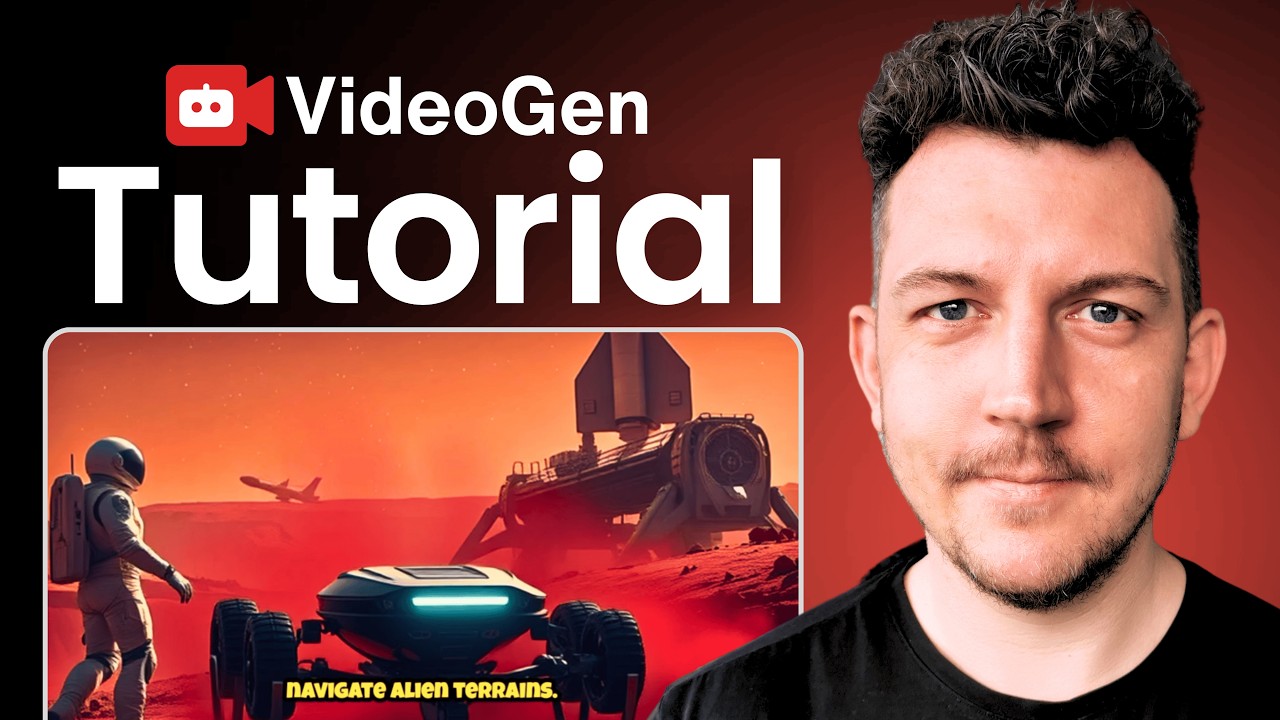
In this click-by-click tutorial, tech expert Simon Crowe shows how to create "viral-ready" videos with VideoGen using a simple prompt and a guided workflow that's built for creators, influencers, startups, and marketing teams. He frames VideoGen as both an AI video generator and an AI video editing tool, designed to help you move faster without needing advanced editing skills or expensive software.
Simon explains that VideoGen removes the usual friction of making content. Instead of writing scripts, hunting for footage, recording voiceovers, and stitching everything together across multiple tools, VideoGen can generate a complete video draft in seconds and then let you fine-tune it inside one editor.
Set Up Your Workspace — Organize your projects inside the dashboard, upload media assets if needed, and configure brand settings to maintain consistent fonts, colors, and styles. Many users also leverage AI image generation tools to create custom, copyright-free visuals directly within the platform.
Generate a Video from a Prompt or URL — Begin with a simple text prompt or import existing written content via URL. Choose your language and target video length, then let the system convert your idea into a structured script and draft video.
Adjust Key Settings and Create the Draft — Before generating, customize elements such as pacing, orientation (portrait, square, landscape), and footage style (stock or AI-generated). The platform then automatically builds a draft complete with visuals, voiceover, captions, and timeline structure.
Refine, Regenerate, and Export — Use the built-in editor to fine-tune voiceovers, add background music, style captions, trim scenes, and adjust pacing. If needed, regenerate specific sections with AI. Once finalized, export in your preferred resolution, including high-quality 4K output.
Simon's walkthrough positions VideoGen as a practical end-to-end system for producing scroll-stopping content quickly. By combining text-to-video generation, optional blog-to-video repurposing, AI visuals, built-in voiceovers, music, caption styling, timeline editing, scene regeneration, and 4K export, VideoGen covers the full workflow from idea to publish-ready video.
For creators searching for the best AI video generation tools, VideoGen offers fast prompt-to-video automation. For teams evaluating the best AI video editing tools for social media content, it combines scripting, visuals, voice, editing, and 4K export into one streamlined platform. Based on Simon Crowe's tutorial, it's a strong recommendation for content creators who value speed and simplicity.
Video Gen
AI Video Generator