Seedream 5.0 AI Image Generator
Seedream 5.0 supports pixel-level interactive editing built for design work. Use the images across VideoGen workflows, from stills to finished videos.
By ByteDance · Released July 2026 · Pixel-level interactive editing with text rendering in 10+ languages
Example outputs from Seedream 5.0
Real prompts, real outputs, generated with Seedream 5.0 in VideoGen.

“Modern airport wayfinding sign design with 'Gates 20-38', 'Baggage Claim', and 'Trains to City' rendered in English, Arabic, and Mandarin, clean pictograms, brushed metal panel, photorealistic”
Generated with Seedream 5.0 in VideoGen
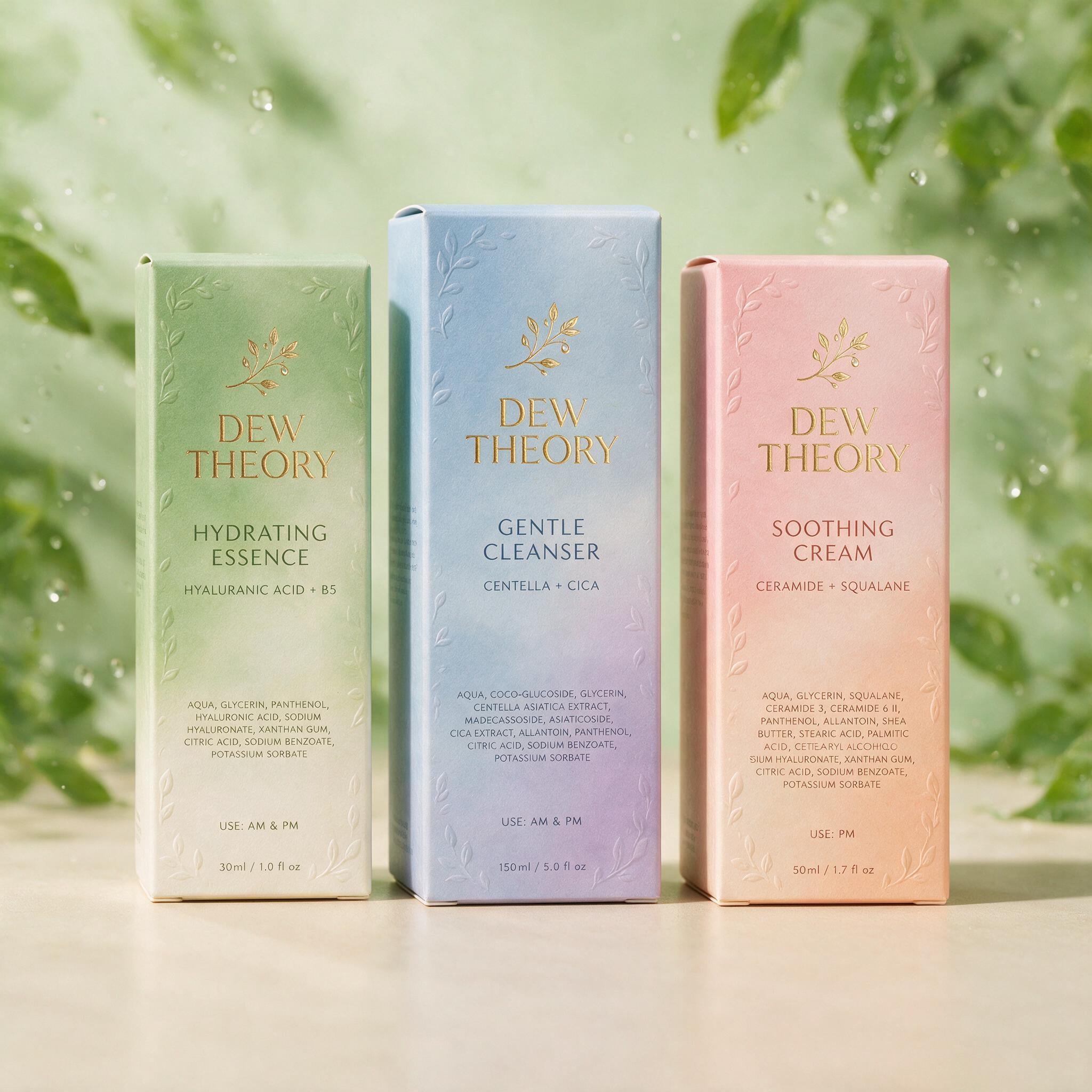
“Product packaging design system for a skincare brand 'DEW THEORY': three boxes with layered label typography, ingredient lists in fine print, soft studio lighting, pastel gradient palette”
Generated with Seedream 5.0 in VideoGen
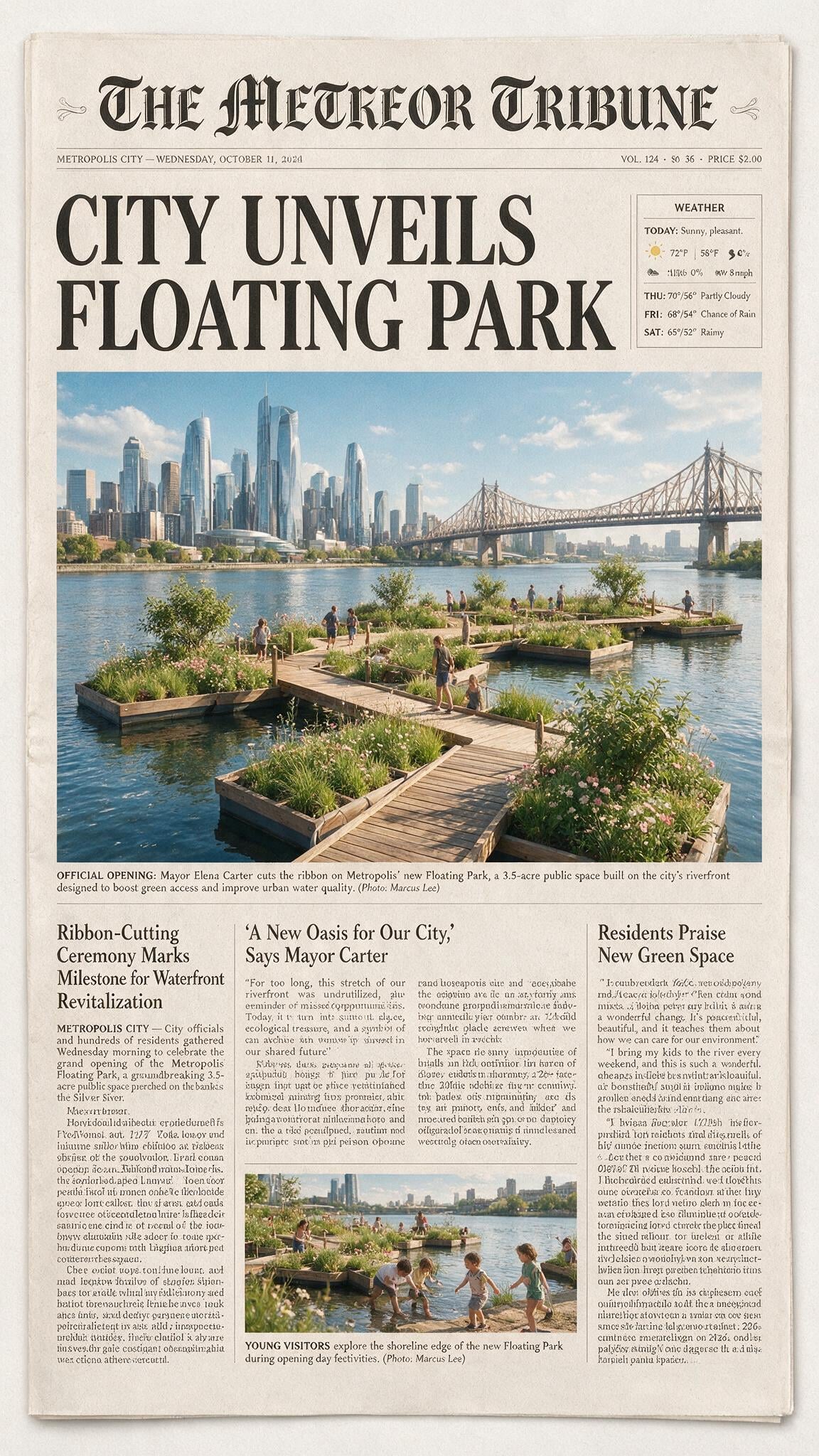
“Front page of a fictional broadsheet newspaper 'THE METEOR TRIBUNE' with headline 'CITY UNVEILS FLOATING PARK', multiple columns of legible body text, photo captions, weather box, masthead in blackletter”
Generated with Seedream 5.0 in VideoGen

“Stylized metro transit map poster for a fictional city with eight color-coded lines, station names in a clean grotesque typeface, legend and fare table, Swiss design poster layout”
Generated with Seedream 5.0 in VideoGen
How VideoGen integrates Seedream 5.0
| Specification | Details |
|---|---|
| Max resolution | Native 2K (2048x2048) |
| Text rendering | 10+ languages, including right-to-left scripts |
| Editing support | Pixel-level editing with point, lasso, and sketch controls |
| Layer output | Separates elements into transparent layers |
| Reference images | Up to 10 |
| Elo Benchmark | 1,240 (Image Arena (Seedream 5.0 Pro)) |
Quality tiers in VideoGen
- Low
The fastest and most affordable tier, built for drafts and quick iteration.
- Standard
The balanced default: good quality images at an everyday cost.
- High
Premium quality images for the content you publish.
- Max
MAX always integrates the state of the art. Seedream 5.0 is part of that set.
Every quality tier routes each request to the best model based on our internal evals, compliance requirements, and your intent. Requests stay fully compliant at every tier: sensitive data is never routed to models hosted by foreign adversaries such as China.
How to use Seedream 5.0 in VideoGen
Create a free account
Sign up for VideoGen to open the AI playground and editor.
Open a workflow
Start the storyboard to video or prompt to video workflow, or use the AI image tool inside any project.
Pick a quality tier or type a prompt
Choose the tier that fits your needs and describe what you want to create.
Generate and build your video
VideoGen builds the finished video with visuals, narration, and captions, ready to export.
Seedream 5.0 API
Developers can generate images through the VideoGen API with the same quality tier routing as the app, so requests reach models like Seedream 5.0 without managing provider keys.
curl -X POST "https://api.videogen.io/v1/tools/generate-image" \
  -H "Authorization: Bearer $VIDEOGEN_API_KEY" \
  -H "Content-Type: application/json" \
  -d '{"prompt": "A studio product shot of a ceramic mug", "quality": "max"}'
Design-grade generation and editing
Generate images and edit them at pixel level, with multilingual text that reads correctly.
Edit at pixel level
Seedream 5.0 understands spatial position and regional meaning, so you can change exactly the part of an image you point at without disturbing the rest.
Render text in 10+ languages
Produce ads, posters, and packaging with accurate multilingual copy, including right-to-left scripts and accent marks.
Bring visuals into your videos
Create and refine images, then add them straight to your video projects in the editor.
“VideoGen is awesome for scaling video production and improving turnaround time... The complex process of video editing, which could take days or months, now takes minutes!”
“VideoGen solves the biggest pain points of video production—complexity, cost, and time. In just a few clicks, anyone can create professional, copyright-free videos.”
“VideoGen is the most underrated tool for content creators who want to put out the highest quality content in the shortest amount of time.”
Frequently asked questions
Go from Seedream 5.0 outputs to finished videos
Every VideoGen workflow uses models like Seedream 5.0 automatically to build complete videos with visuals, narration, music, and captions.
Start creating with AI on VideoGen.
Sign in to generate images, video clips, and more with the models you choose.