GPT Image 2.5 prompts for marketing images
Use these practical GPT Image 2.5 prompt structures for product ads, campaign concepts, social assets, presentation graphics, and precise edits.

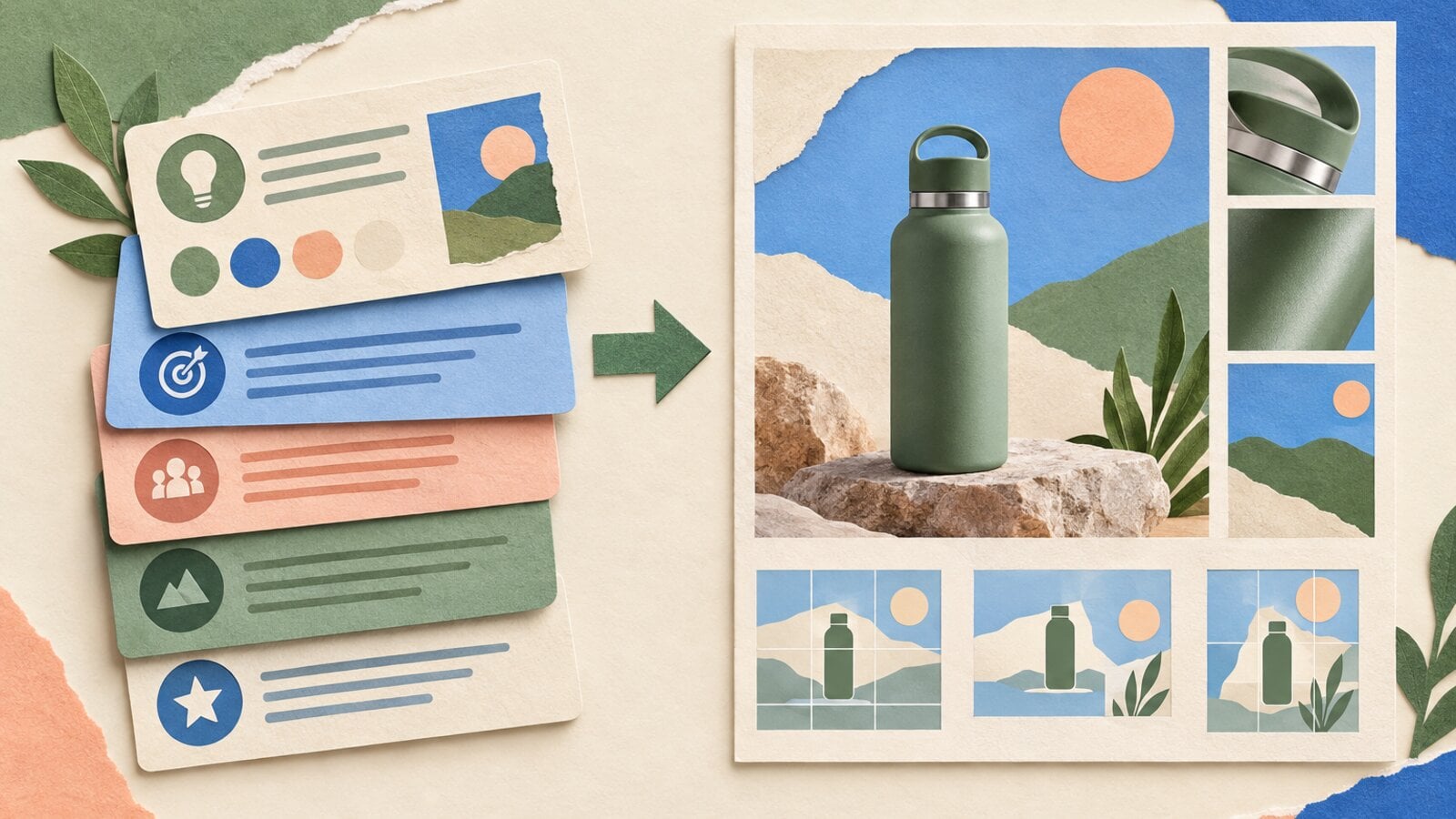
A strong GPT Image 2.5 prompt reads like a compact creative brief. It tells the model what the asset must communicate, what the viewer should notice first, and which details cannot drift.
The goal is not to add more adjectives. The goal is to remove decisions that the model would otherwise make for you.
This guide provides a prompt structure and original examples for ecommerce, retail, consumer apps, presentations, and image editing.
The five-part prompt structure
Use this order:
Asset and audience:
Primary subject:
Composition:
Visual direction:
Exact text and constraints:
Each line answers a different production question.
1. Asset and audience
Name the format and where it will appear.
A 16:9 ecommerce campaign hero for a premium kitchen brand.
This gives the model a reason for the layout. It also helps separate a polished ad from a plain catalog photo.
2. Primary subject
Describe the object or person with the details that define identity.
A matte cream electric kettle with a curved walnut handle,
short conical spout, and brushed steel base.
Include shape, material, color, and distinctive features. Avoid replacing these concrete details with words such as "beautiful" or "premium."
3. Composition
Set the camera view, placement, depth, and negative space.
Three-quarter view on pale limestone. Product placed in the right third.
Generous empty space on the left for the headline. Camera at counter height.
Composition instructions are especially important when the output must fit a slide, ad, or video frame.
4. Visual direction
Define lighting, palette, medium, and finish.
Warm morning side light, soft shadow, restrained sage and charcoal palette,
editorial product photography with natural texture.
Use one coherent direction. Combining cinematic, flat vector, watercolor, studio photography, and clay rendering gives the model conflicting goals.
5. Exact text and constraints
Quote text exactly and limit what else may appear.
Exact headline: "POUR WITH PRECISION".
Exact subheading: "Quiet mornings. Better coffee."
No other text, logos, hands, props, or duplicate products.
Keep generated text short. Add long copy, prices, legal terms, and links in an editable design layer.
Product launch prompt
A 16:9 ecommerce campaign hero for a modern kitchen brand.
A matte cream electric kettle named LUMA with a curved walnut handle,
short conical spout, and brushed steel base. Three-quarter product view on
pale limestone, positioned in the right third. A thin ribbon of steam.
Warm morning side light, soft natural shadow, restrained sage and charcoal
palette, editorial product photography. Exact headline on the left:
"POUR WITH PRECISION". Exact subheading: "Quiet mornings. Better coffee."
No other text, logos, hands, extra products, or busy props.
Why it works:
- The aspect ratio and asset type set the layout.
- Product geometry makes the subject specific.
- Negative space reserves a place for the headline.
- Quoted copy makes text review possible.
- Exclusions remove common distractions.
Multi-product collection prompt
A square social campaign image for a direct-to-consumer skincare collection.
Three products only: an amber pump bottle, a low cream jar, and a clear serum
dropper with pale green liquid. Arrange them as a tight triangular group on a
warm white plinth. Camera slightly above product level. Late-afternoon window
light casts one soft diagonal shadow. Quiet botanical palette with one dark
green leaf entering from the upper right. Photorealistic studio finish with
visible glass and paper texture. No text, duplicate containers, hands, water
splashes, fruit, or flowers.
The count matters. If the model adds a fourth product, the output no longer represents the requested collection.
Paid social prompt with editable copy space
A vertical 9:16 paid social ad for a lightweight trail shoe.
One cobalt shoe floating above compact red earth, toe pointing lower left,
heel raised. Fine dust suspended beneath the sole. Low camera angle with a
distant pale mountain ridge. Bright overcast light, crisp technical product
photography, cobalt, clay, and off-white palette. Keep the upper 30 percent
simple and low contrast for copy that will be added later. No generated text,
logos, feet, second shoe, or motion blur.
This prompt does not ask the model to render the campaign copy. It asks for a useful copy area so the final text can remain editable.
Presentation cover prompt
A polished 16:9 presentation cover for an ecommerce operations talk.
Deep navy background. One continuous coral line moves through four crisp
isometric scenes: storefront, shopping cart, packing table, and doorstep
delivery. Large exact title "FROM CART TO CUSTOMER" aligned top left.
Small exact subtitle "A simpler path to repeat purchases". Modern editorial
presentation design, strong hierarchy, clean spacing, no logos or extra words.
Use generated text when the copy is short and part of the visual concept. Rebuild the title as native slide text if the deck needs frequent updates, localization, or strict accessibility.
Process diagram prompt
A clean 16:9 strategy slide titled "THE THREE-MOMENT CAMPAIGN".
Three equal vertical panels connected by one fine horizontal arrow.
Panel one: a phone discovering a ceramic lamp, labeled exactly "DISCOVER".
Panel two: the lamp on a styled desk, labeled exactly "DECIDE".
Panel three: an open delivery box, labeled exactly "DELIVER".
Warm white background, cobalt accents, subtle paper texture, concise
consulting-deck aesthetic. No extra text, legends, numbers, or decorative icons.
The labels are short and distinct. The panel count, reading direction, and repeated product create a structure the model can follow.
Reference edit prompt
An edit prompt needs two lists: what changes and what stays fixed.
Keep the cafe chalkboard, camera angle, hand-lettered layout, prices, and
plants unchanged. Change only the seasonal treatment: replace the warm brown
accent drawings with small cobalt-blue winter stars and change the heading to
"WINTER AT BREW & BLOOM". Preserve all remaining menu text exactly.
Start with the locked details. Then state one focused change. Finish by protecting any fragile element, such as product identity, label copy, or a person's face.
Product color edit prompt
Keep the product shape, walnut handle, camera position, crop, lighting,
shadow, limestone surface, headline, and subheading unchanged.
Change only the kettle body from matte cream to deep cobalt blue.
Preserve the metal base, material texture, and every character of text exactly.
If this edit succeeds, review the image before asking for another change. A chain of broad edits can make it difficult to identify which request introduced drift.
Prompts for a consistent campaign set
For several assets, keep a shared block and change only the scene-specific line.
SHARED DIRECTION:
Warm editorial product photography, pale limestone surfaces, sage and
charcoal palette, morning side light, soft natural shadows, 16:9.
The same matte cream LUMA kettle with curved walnut handle and brushed steel base.

SCENE:
The kettle beside a ceramic pour-over brewer, positioned in the right third,
with simple negative space on the left.

CONSTRAINTS:
Preserve the product's shape, colors, materials, and scale.
No text, logos, hands, duplicate products, or unrelated props.
Reuse the shared direction for every asset. Change the scene while keeping the identity and visual system stable.
A review checklist
Before approving an output, check:
- Is the primary subject correct?
- Is the requested count correct?
- Does the composition fit the final crop?
- Is every generated word spelled correctly?
- Are product shape, color, and material consistent?
- Did the model add a logo or object that was not requested?
- Can critical copy remain editable?
- Does a reference-led edit preserve the locked details?
The first result does not need to solve every detail. A clear initial prompt and a focused edit are usually easier to review than one oversized request.
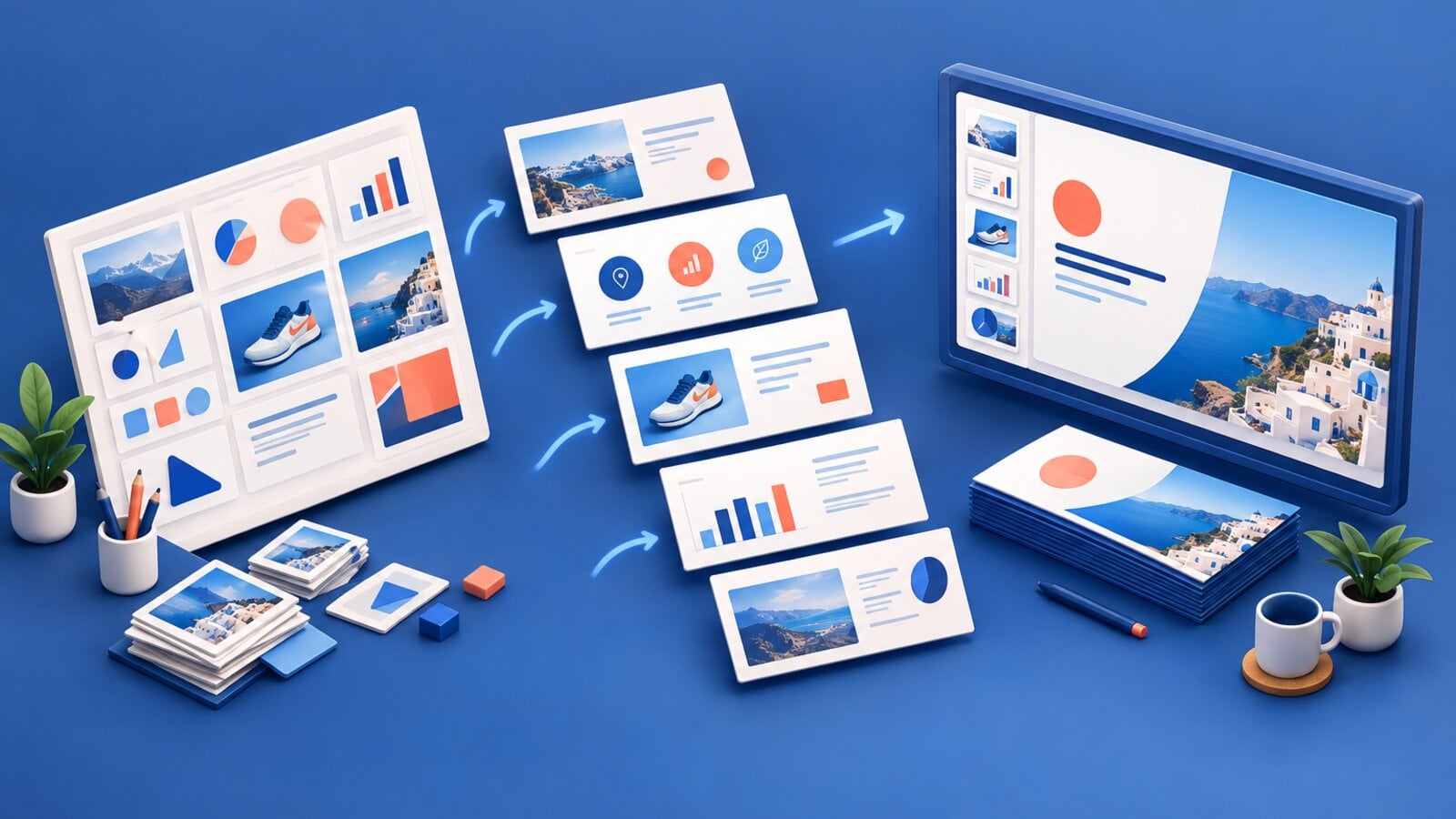
See the generated results on the GPT Image 2.5 model page, read the launch guide, or use the slides and presentations workflow. Our earlier coming soon announcement explains why the model was selected for Image Max.

 Richard D.